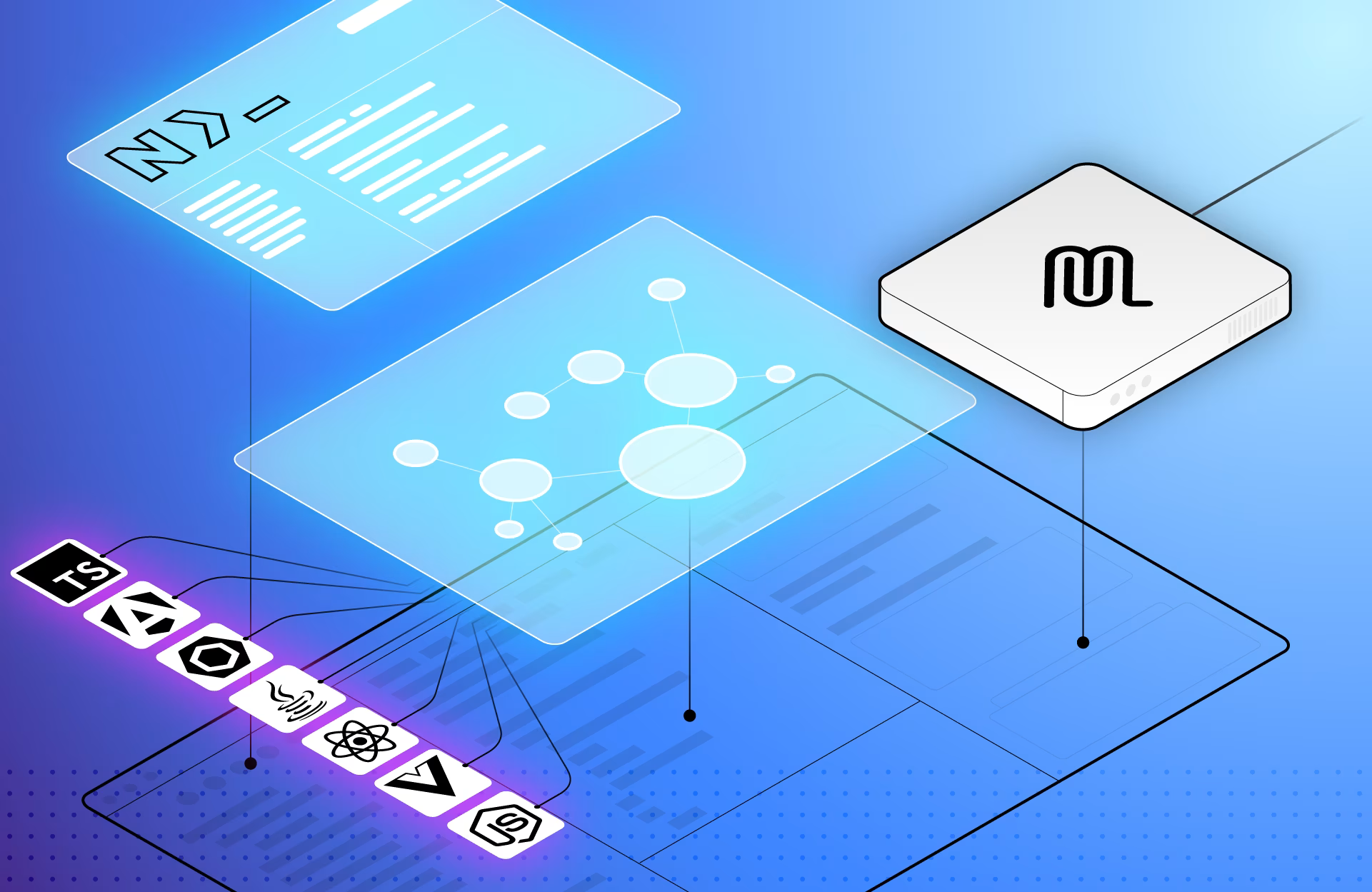
Connect to Nx Cloud
All remote features (caching and distribution) require connecting your workspace to Nx Cloud.- Creates a workspace on Nx Cloud
- Writes your
NX_CLOUD_ACCESS_TOKENto.env.local(gitignored) - Adds
nxCloudIdtonx.json
Remote caching (Nx Replay)
Once connected, remote caching is enabled automatically. Any task result — terminal output plus build artifacts — that a CI run or team member computes is stored in Nx Cloud. Subsequent runs that match the same input hash restore from cache instead of re-running the task. What gets cached:- Terminal output (logs, warnings, errors)
- Output files declared in each task’s
outputsconfiguration - The input hash used to identify the cache entry
inputs and outputs in project.json or nx.json.
Run only affected tasks
Usenx affected on CI to limit work to projects touched by a pull request.
NX_BASE and NX_HEAD environment variables:
main so that every change since the previous green build is covered.
Generate a CI workflow
Nx can scaffold a complete CI configuration for your provider:GitHub Actions example
fetch-depth: 0 is required so that Nx has access to the full Git history needed to compute affected projects. filter: tree:0 speeds up the shallow-to-full checkout.GitLab CI example
Nx Agents for distributed task execution
When affected runs are still too slow — for example when a widely-used library changes — you can distribute tasks across multiple agent machines using Nx Agents. Add thestart-ci-run command before your task invocations:
- Spin up 3
linux-medium-jsagents - Collect every
nxcommand that runs in the pipeline - Distribute tasks across agents based on historical run times and task dependencies
- Replay all logs and artifacts back to the main job
--stop-agents-after flag names the last target in your pipeline. Agents shut down automatically once all tasks of that target are complete.
Dynamic agent allocation
Scale the number of agents based on PR size by creating a distribution config:.nx/workflows/distribution-config.yaml
Full GitHub Actions workflow with agents
Environment variables reference
How affected, caching, and agents combine
1
nx affected narrows the task set
Only projects touched by the PR (and their dependants) are considered, discarding unrelated work entirely.
2
Remote caching eliminates redundant computation
Tasks whose inputs haven’t changed since the last run are restored from the Nx Cloud cache — no re-execution needed.
3
Nx Agents parallelize what remains
Remaining tasks are distributed across agent machines. Each task runs once; its output is shared via the remote cache.